


Reference: SS-SDH-0110
Reference: SS-SDH-0102
Reference: NPC0344S
Reference: NIP7P1703
Reference: NIP4P0166
Reference: NMPD3923W
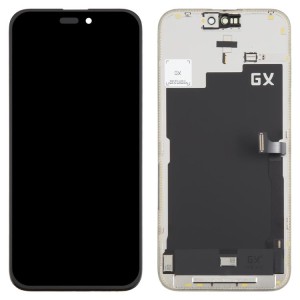
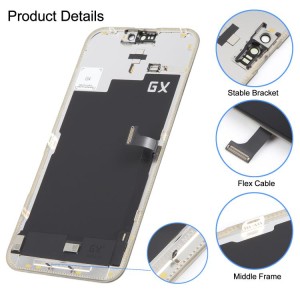
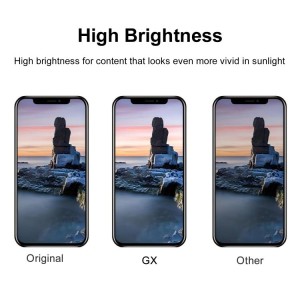
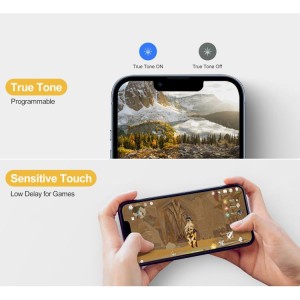
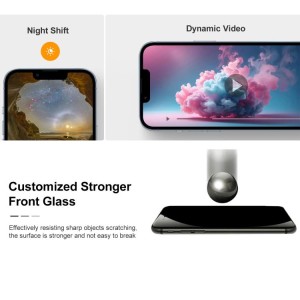

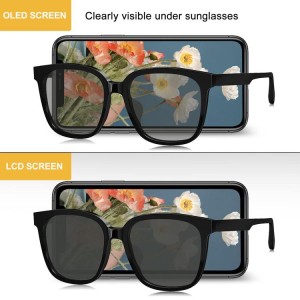
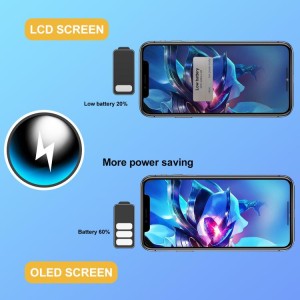
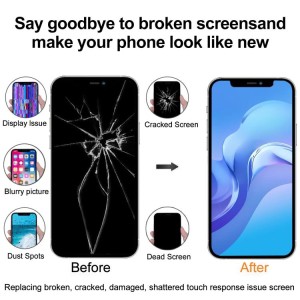
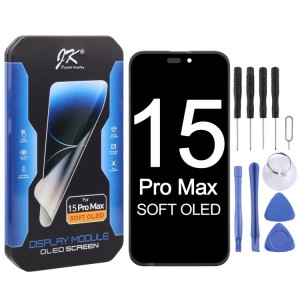
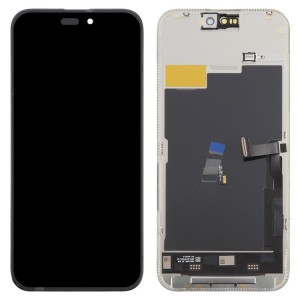
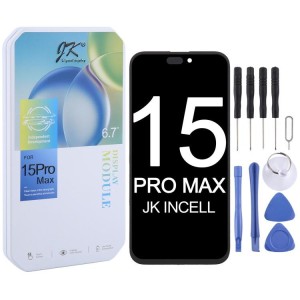
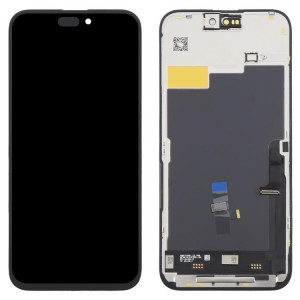
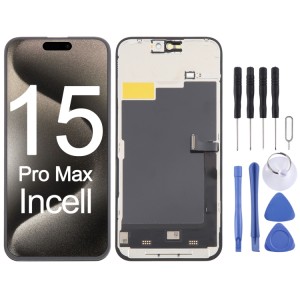
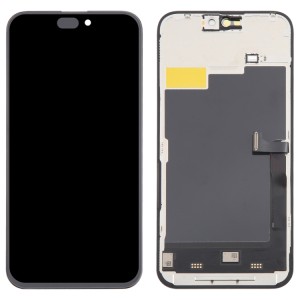
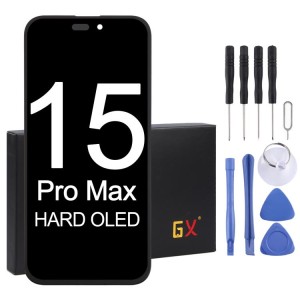
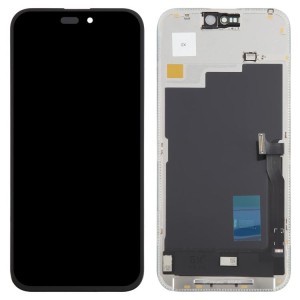
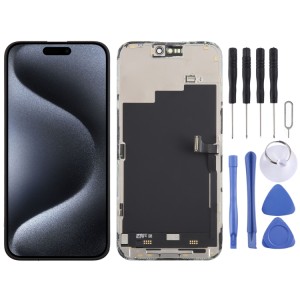
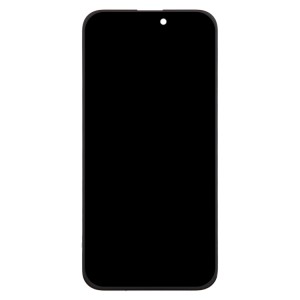
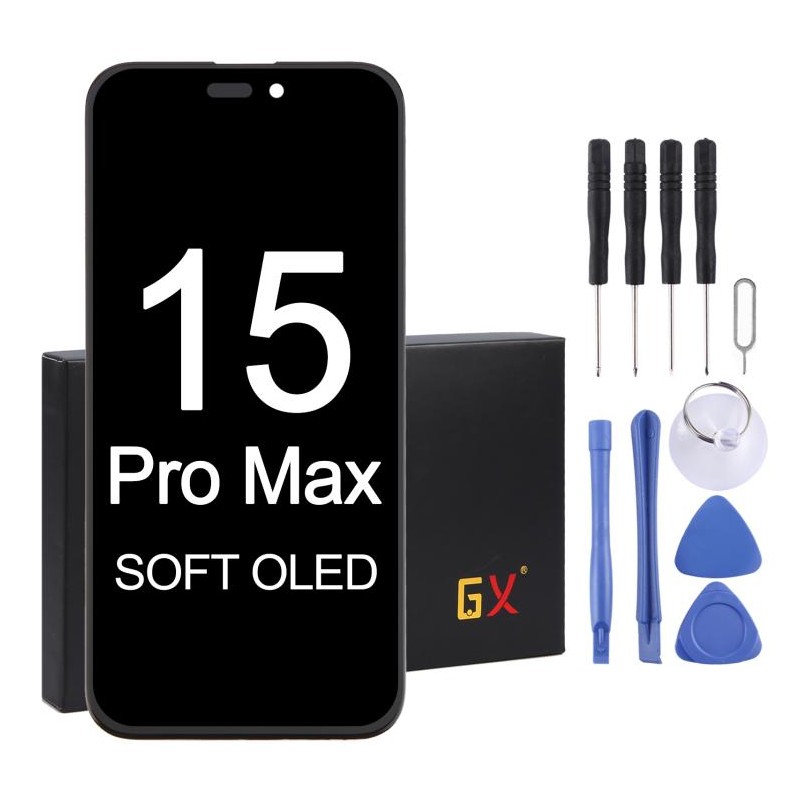
Replacement OLED screen for iPhone 15 Pro Max
 100% Secure Payments
3D secure payment gateway
 Free shipping on all orders over 40 £/$/€
Same-day Shipping on orders before 6PM (GMT+8)
Repair your phone with this soft OLED screen replacement part for iPhone 15 Pro Max
About the product
1. Replacement LCD screen + touch digitizer for iPhone 15 Pro Max.
2. Replace your old, broken, cracked, or damaged screen.
3. Give your device a more modern look than ever.
4. Perfect fit and functionality.
5. Each item has been inspected and is in good condition before shipping.
6. Professional installation is highly recommended. We are not responsible for any damage after the screen has been installed.
Pre-installation notes
1. Tip 1: Test before installation
When testing, do not remove the protective film or labels. Be aware of static electricity issues.
Before attempting any repairs, be sure to ground yourself with an ESD (electrostatic discharge) wrist strap. This will prevent static electricity from damaging the phone's electronic components.
Be sure to wear eye protection and be careful not to cut your fingers on glass shards. 2. Tip 2: Test Simulation
Screen replacements are very fragile. We strongly recommend testing them before installation. To perform a test simulation, disassemble your mobile phone, connect the audio cable (motherboard + LCD or screen) and the new replacement screen, power it on, and complete the test. If the test is successful, proceed with the installation. If the screen does not display, contact us immediately. Do not force the installation on the mobile phone. We are not responsible for any issues once the screen is installed.
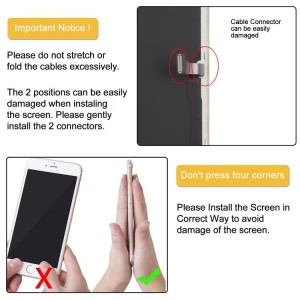
3. Tip 3: Do Not Bend the Cable Excessively
Make sure the LCD cable is not bent excessively. Once bent more than 90 degrees, the screen will go black.
Reference: NIP5P0175
Reference: NIP5P0138
Reference: NIP5P0027
Reference: NIP5P0123
Reference: NEDA005505909
Reference: NIP5P0174
Reference: NEDA005755601
Reference: NEDA007202607
Reference: SS-SDH-0110
Reference: NMPD7872H
Reference: NMPD7871S
Reference: NIP6P0022J
Reference: NMPD4910H
Reference: NIP5P0123
Reference: NMBC1526S
Brand: CoolStart
Replacement OLED screen for iPhone 15 Pro Max
check_circle
check_circle